Why analyze your data?
Welcome to this Poker Spin Tracker course. Let's start simple: three concrete reasons to use a tracker.

Gandalf
Co-founder of Poker Spin Tracker
One thing is certain in Spins: every good player uses a tracker. And the reason is simple: without data on your own game, you're playing blind. And playing blind, as you can imagine, is not optimal.
There are 3 main reasons to use a tracker. Let's go through them one by one.

1. Analyze your meta
By "meta", we mean everything around your game: your results, your volume, your buy‑ins, your play time. These are the first questions you ask yourself:
- How many tournaments did I play this month?
- What's my real profit?
- Which buy‑in am I most profitable at?
- How much do I make per hour?
Without a tracker, these questions never get a reliable answer. With one, you get all of these metrics: profit, bankroll, profit by position, profit per hour, play time, rakeback... It's all there, session after session.
Poker Spin Tracker is built specifically for Spins: every metric that matters in Spins is available right away, with nothing to set up.
But the most important question lies elsewhere: am I winning because I play well, or because I got lucky?
In Spins, luck weighs heavily, because of all‑in showdowns and above all the multipliers. So you have to separate the result (what happened) from the performance (whether you played well or not).
Poker Spin Tracker shows you both: what you won, and what you should have won given your level of play and the multipliers your volume let you expect. The chapter The 4 profit modes teaches you how to read them.
You can lose money over a stretch while playing very well, and vice versa.
That's the harsh law of poker, but it's also why you have fish at your tables: if they lost all the time, they wouldn't be there.
But at the end of the day, the bottom‑line metric we care about in Spins is €/h: what an hour of play earns you. You'll find it in the Stats tab of the Dashboard.
Every other piece of data serves, directly or indirectly, to optimize it. The next chapter, The three pillars of the Spin player, shows what really makes it go up.
2. Analyze your game
Knowing where you stand is good. Knowing how to improve is even better. That's the second reason to use a tracker: spotting your leaks.
A leak is a mistake you repeat over and over without necessarily noticing it. And this is where your brain plays tricks on you: it remembers the painful bad beats and ignores the small, unremarkable hands.
Yet it's often those hands, played hundreds of times over, that cost you the most. A small leak, repeated over 5 000 Spins, can add up to a serious amount of money.
How do you find them?
By comparing your actions to a reference. We'll cover all of this in detail in the Finding (and fixing) your leaks module.
Plenty of players find this step intimidating, because mainstream trackers (PT4, Hand2Note) do very little to make it easier. They're built for MTTs and Cash Games, not for Spins.
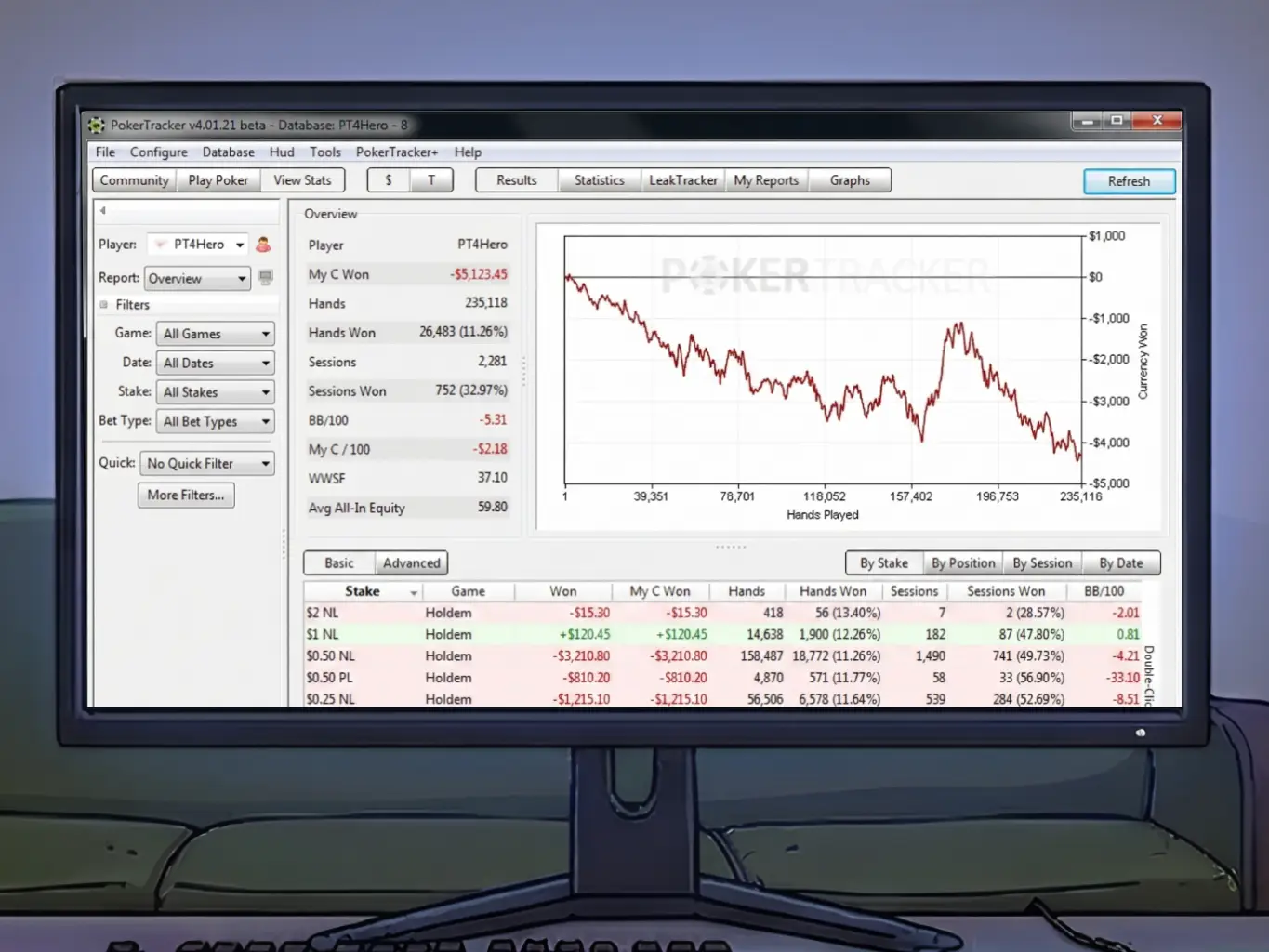
The chart below compares the effort the three analyses in this chapter take in three trackers: click a name to switch tracker. The further left a bar is, the easier the information is to get.
Note 1: Bars can be wide because within the same field (for example "Analyze your meta"), some data can be very easy to find while other data can be very difficult to obtain.
Note 2: For Hand2Note, you can see a small bar separated from the rest under "Inaccessible". This means that with this tracker, some data is impossible to obtain. With Poker Spin Tracker, there is no such bar: you have access to all the data that matters in Spins.
3. Analyze your opponents' game
Once you know your own results and your own leaks, the next question comes naturally:
How do our opponents play?
Poker Spin Tracker automatically sorts your opponents into two profiles: Fish (recreational players) and Regs (regulars). And these two profiles play nothing like each other.
Against a reg, the game moves closer to GTO, the theoretical strategy that solvers compute. You don't necessarily need a tracker to anticipate how a reg is going to play.
Against a fish, on the other hand, everything changes: the sizings are different, the frequencies unusual, the ranges heavily unbalanced, the plays atypical.
It's against fish above all that data becomes valuable.
When a fish opens 3x, what's their range? When they donk bet, what does that mean? How often do they fold to a 3‑bet? Poker Spin Tracker answers them with the hands in your database: you seat the Fish at a position, and you see how they play every hand.
I often hear:
My field is super aggro, how do I adapt?
To which I always want to reply:
I don't believe you, because the field isn't that aggro. Show me why you're saying that.
Most of the time, that impression comes from a few hands that stuck with you: the same trap as with your leaks. Before adapting, check in your data what the field really does.
Then, analyzing your opponents doesn't stop at the diagnosis: you have to build strategies, and that can get complex.
We'll get to that later, we'll have plenty of time for it...